Restart the host.
Your VMs carry on.
keelOS is a virtualization host for one server at home, the few in a small office, or the rows in a data centre. A small hypervisor stays in memory while the host system is upgraded and restarted. Virtual machines pause for about 25 seconds, then carry on where they were: no shutdown, no dropped TCP connections.
Runs on Intel CPUs with VT-x (VT-d for passthrough). AMD support is early: see the FAQ.
shutdown -r to SSH on the host, skipping the firmware. Through the firmware it takes 146 s.Measured on our development server (2 × Xeon Gold 6144, 32 threads), September 2026.
How it works
The part that holds your VMs does not restart with the host.
In most hosts the hypervisor is part of the host kernel, so a kernel update takes every VM down with it. keelOS separates the two.
A hypervisor that stays
UEFI loads the keel hypervisor before the host system. It holds guest memory and vCPU state and is not touched by a host upgrade. Only an upgrade of the hypervisor itself needs a full restart with the VMs shut down; it is kept small (about 100 KB) so that this stays rare.
A host that can restart
FreeBSD runs on top of it with the drivers, ZFS, the network and bhyve's device models. It is a read-only image: the base system (about 180 MB) runs from RAM, and on an installed host /usr is read from the boot disk instead of taking memory. It restarts without going back through the firmware.
Guests that wait
When the host restarts, guests are suspended, the new host comes up, and the guests resume. Disk data is intact and the guest clocks are corrected.
Features
Built for the machine that runs everything.
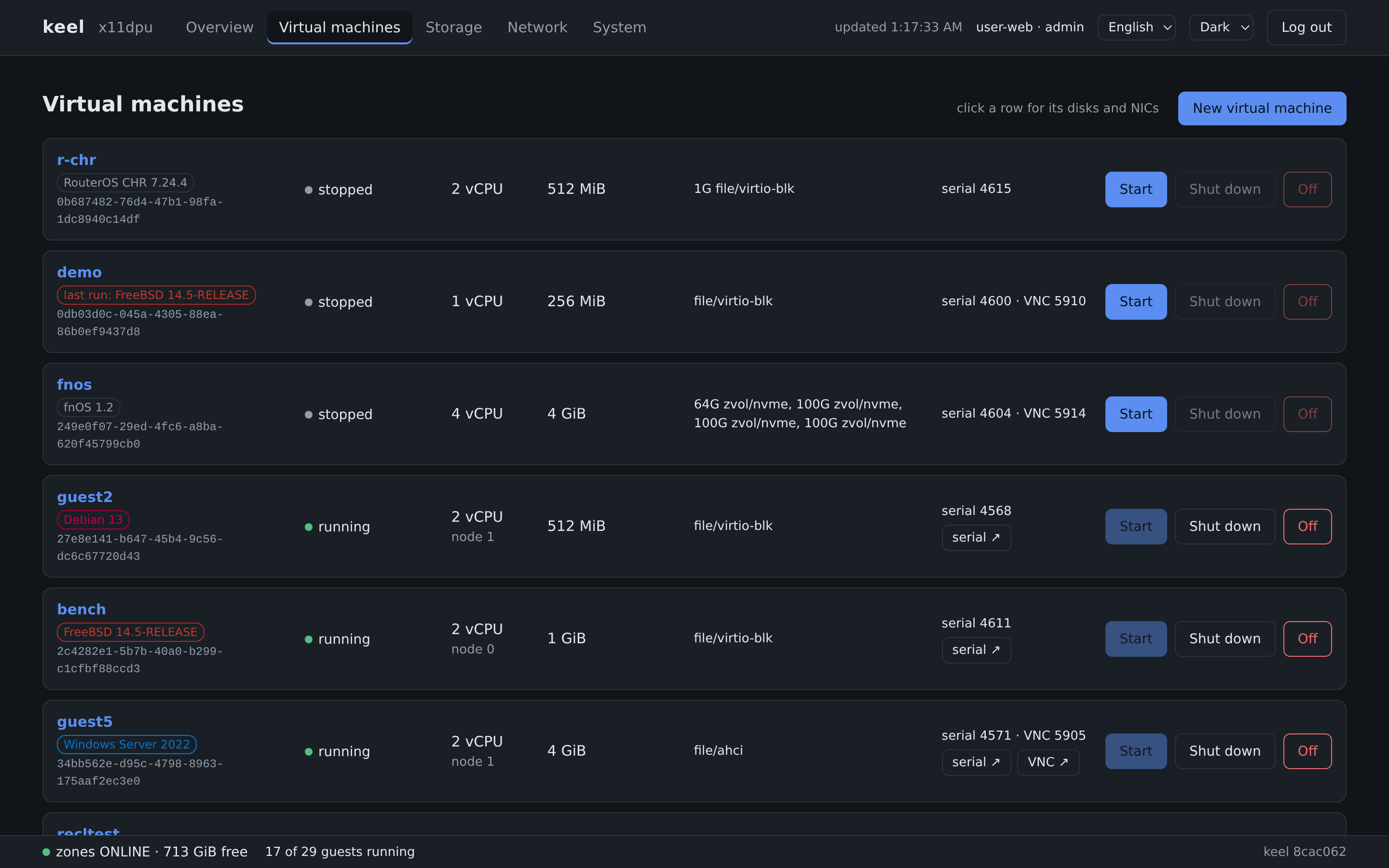
A NAS, a router, a Windows desktop and a few Linux servers on one box: each in its own VM, none of them stopped by a host update.
kcell: Docker apps in tiny VMs
Pick one of 18 app templates or paste a Compose file. keelOS builds the small VM, runs the official Docker in it, and keeps the data in host datasets.
Details →
Nested virtualization
Hyper-V and WSL2 in a Windows VM, KVM in a Linux VM. Intel hosts; the nested state is saved across a host restart.
Details →
keelRM: a BMC without the hardware
A tiny VM owns the management NIC and keeps answering while the host restarts or hangs: screen, serial console, reset, power off, rescue.
Details →
Passthrough that survives a host restart
Give a whole disk controller or NVMe drive to a NAS VM. Devices are matched by vendor, model and serial number, not by slot. The hypervisor owns the IOMMU, so the device keeps working while the host restarts.
Details →
SR-IOV: network cards and graphics
Hand virtual functions of a network card, or of the Intel integrated GPU, to VMs. The card switches the traffic (Intel X710, X550, X540 and the common I350 tested); a UHD 770 is split into up to 7 VFs, and each VM gets the real Intel driver and 3D acceleration. A VM with a VF is still shut down and started again on a host restart.
Details →
Windows 11 without workarounds
Virtual TPM 2.0 and Secure Boot pass the installer's hardware check. BitLocker works, and the TPM state is kept across host restarts.
Details →
ZFS underneath
VM disks are zvols or files on ZFS, presented as virtio-blk, NVMe or AHCI. A snapshot covers the whole guest: configuration, firmware variables and disks.
Details →
Web, command line and API
One program and no database. The web interface has serial and graphical consoles and speaks English, Chinese and Japanese. Everything it does goes through an HTTPS API with scoped tokens and an audit log.
Details →
RDP straight to the console
Connect any RDP client to the screen of any VM, including one that is still booting. Seeing the screen needs nothing in the guest; sound and a clipboard agent work too.
Details →
Memory that is not wasted
Pages a guest leaves zeroed are reclaimed and lent to the host as disk cache, and returned when the guest needs them. No overcommit.
Details →
Old systems welcome
Windows XP, Server 2003 and Windows 7 boot with SeaBIOS on IDE, PCnet and UHCI: the drivers those systems ship with.
Details →
Performance
Next to KVM: where we stand today.
The same server, the same Debian VM and the same ZFS volumes, run once on keelOS and once on Proxmox VE 9.2 (KVM). Compute is on par, the physical network port is full on both, random disk reads are on par since 3 October, and traffic between VMs on the same host is at 78–96% of KVM with the virtual switch that ships in 1.0. Random disk writes and large sequential I/O are behind. This chart is measured again for every release.
Xeon Gold 5122 (4 cores, 8 threads), 16 GB, Samsung PM1725a NVMe. Guest: Debian 13; everything else at each platform's defaults. Median of three runs; keelOS 3 October 2026, KVM 1 October 2026. Method and all numbers →
Market
A NAS and an account server, one click away.
Some VMs everyone needs are ours to make. The Market page of the web interface installs them as signed packages: no installer, no ISO, and upgrades that roll back by themselves.
Guests
What runs on it.
Each of these was installed and run on our development hosts.
| System | Notes |
|---|---|
| Windows 11 | Virtual TPM 2.0 and Secure Boot; BitLocker works. |
| Windows 10, Server 2022 | UEFI; AHCI or NVMe disks; e1000 or virtio network. |
| Windows XP, Server 2003, Windows 7 | SeaBIOS; IDE, PCnet and UHCI with the in-box drivers. |
| Linux, FreeBSD, NetBSD, Haiku | virtio or AHCI. |
| fnOS | The NAS system. Tested and fully supported. |
| Router systems | OpenWrt, ImmortalWrt, iStoreOS, OPNsense, pfSense CE, VyOS and RouterOS CHR. |
Product names belong to their owners and are used here only to say what was tested.
Licence
Free to use.
keelOS is not open source, and it costs nothing.
Personal use
Free. Use it at home as you like.
Commercial use
Also free, with our permission. In return, we list your company's name on this page.
What it is built on
FreeBSD, bhyve and OpenZFS. Their licence notices ship with every release.
The licence text will be published with the first release. For commercial permission write to [email protected].
Download
The public beta has started.
Releases are on GitHub, a new one about every week. It takes four steps from download to the first VM.
Download
Download the keelOS ISO.
2Boot stick
Write the ISO to a USB stick of 1 GB or more and boot from it.
3Install
On the console choose install, pick one disk and a network port, wait a minute or two, remove the stick and reboot.
4Set up
Open the address shown on the console in a browser and set the admin password. The rest is clicks in the web page.
A step-by-step guide from the install to a Windows 10 VM: the public beta guide. New releases: on the releases repository choose Watch → Custom → Releases, or subscribe to its feed.
Needs a 64-bit Intel CPU with VT-x, and VT-d for passthrough. AMD support is early. Hardware →
What keelOS does not do: No multi-tenancy, software-defined networking, automatic scheduling, shared storage or failover clustering. Each host owns its VMs on its own disks; several hosts are managed from one place and VMs move between them.
Who makes keelOS, what it sends over the network, and what happens to your VMs if the project stops: About keelOS · FAQ